


System Requirements
Minimum System Requirements:
✓ Windows 11 (Home / Pro / Enterprise)
✓ 16GB RAM
✓ Processor with at least 4 cores (must be Intel or AMD)
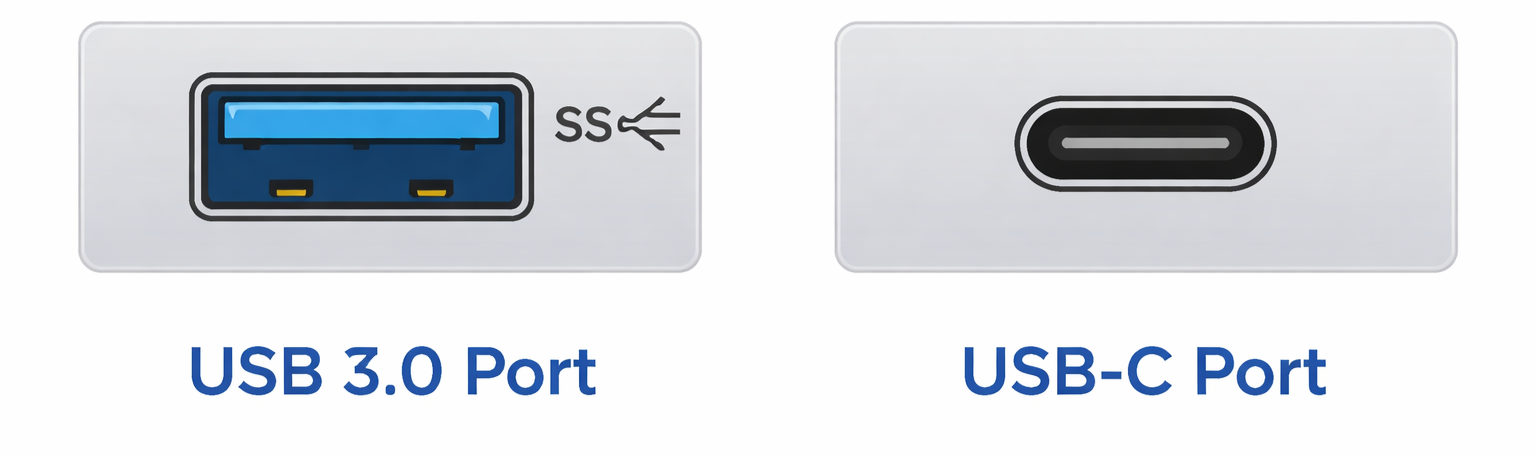
✓ At least one available USB 3.0 or USB-C port
How to Check Specifications:
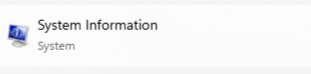
Type “System Information” in the Windows Search bar
Next to OS Name look for “Windows 11”
Next to Processor look for “Intel” or “AMD” and # of cores
Next to Installed Physical Memory RAM look for at least “16GB”
Visually check the ports on your computer
Not all USB 3.0 ports are blue or have the SS symbol, but the shape of the port is standard.
Nearly all laptops sold in the last 5 years have at least one USB 3.0 port or USB-C port.
Incompatible Devices:
✕ Mac/Apple computers
✕ Chromebooks
✕ Windows computers in S Mode
Recommended Laptops:
ASUS Vivobook- For a Kinotek-only laptop.
Dell Latitude 3540- For Kinotek and light applications (e.g., email, Word, etc.).
Lenovo ThinkPad X1- For running Kinotek and many other applications at once.
For any questions about device compatibility, please reach out to support@kinotek.com.
